Your whole family. One private vault.
Papers, passwords, dates and money for the whole family, in one shared app. Your documents, passwords and notes are locked on your own device first, so nobody else can read them. Not even us. Some details stay readable, like titles and dates, so search and reminders work.
7-day trial: a card is needed, and it is charged on day 8 unless you cancel.
- End-to-end encrypted
- No ads, no trackers
- Download everything
- Reminders on WhatsApp
Three steps keep it yours
Locked on your phone
Before your files and passwords are saved, your phone or computer locks them with a key that only your family's devices have.
We keep the locked copy
Our servers hold the locked version, plus some plain details that make search and reminders work. Our Privacy Policy lists them. Anyone who broke in, or any of our staff, would find files nobody can open.
Your family opens it
Your fingerprint or face opens it on the devices you have added. If you lose every device, the Recovery Kit you saved gets you back in.
Filed under each person
Grandma at home
Health records, pension papers
Sam, working abroad
Passport, visa, rental contract
Riley at university
Enrolment forms, medical letters
Everything in one app
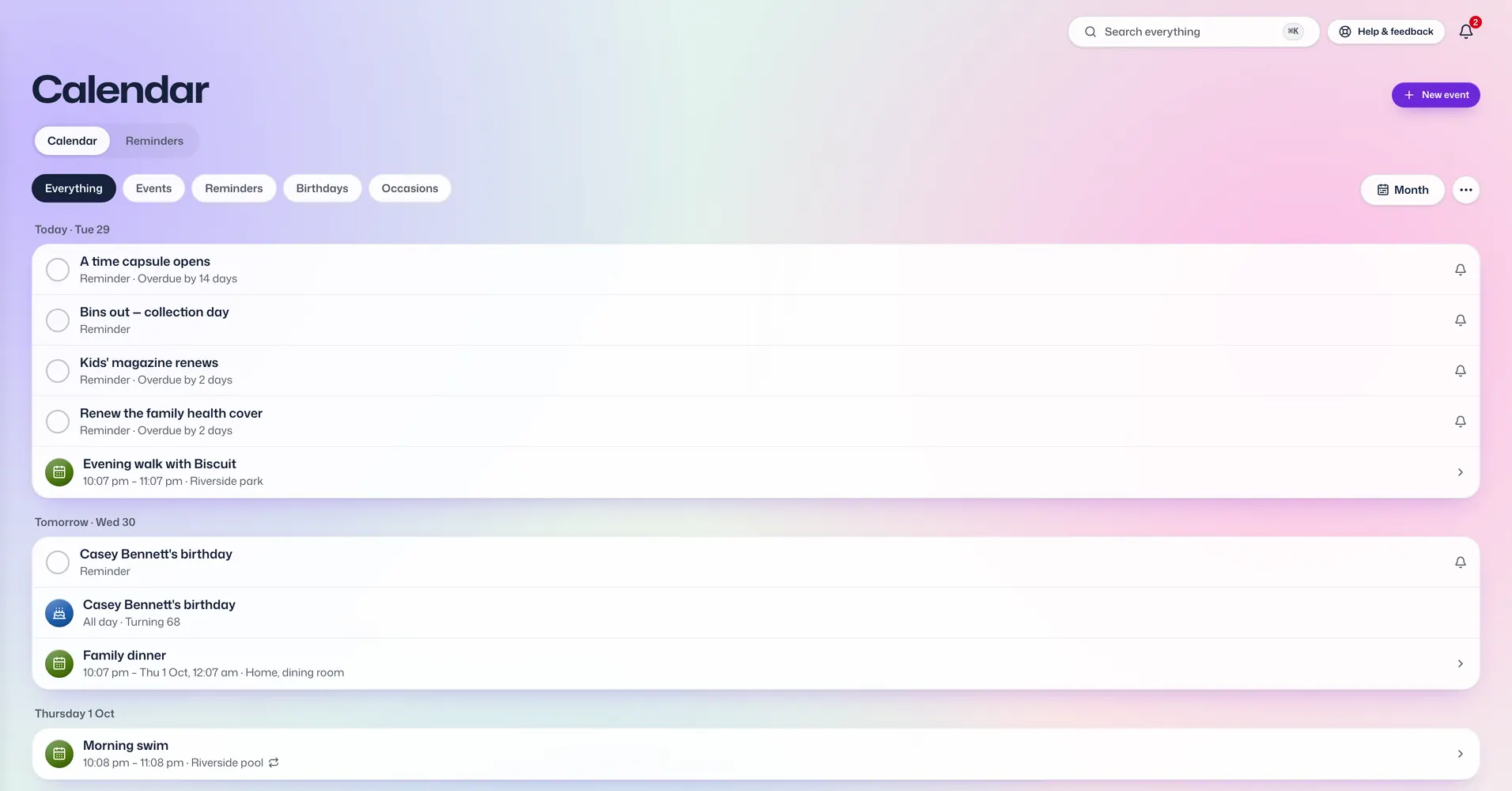
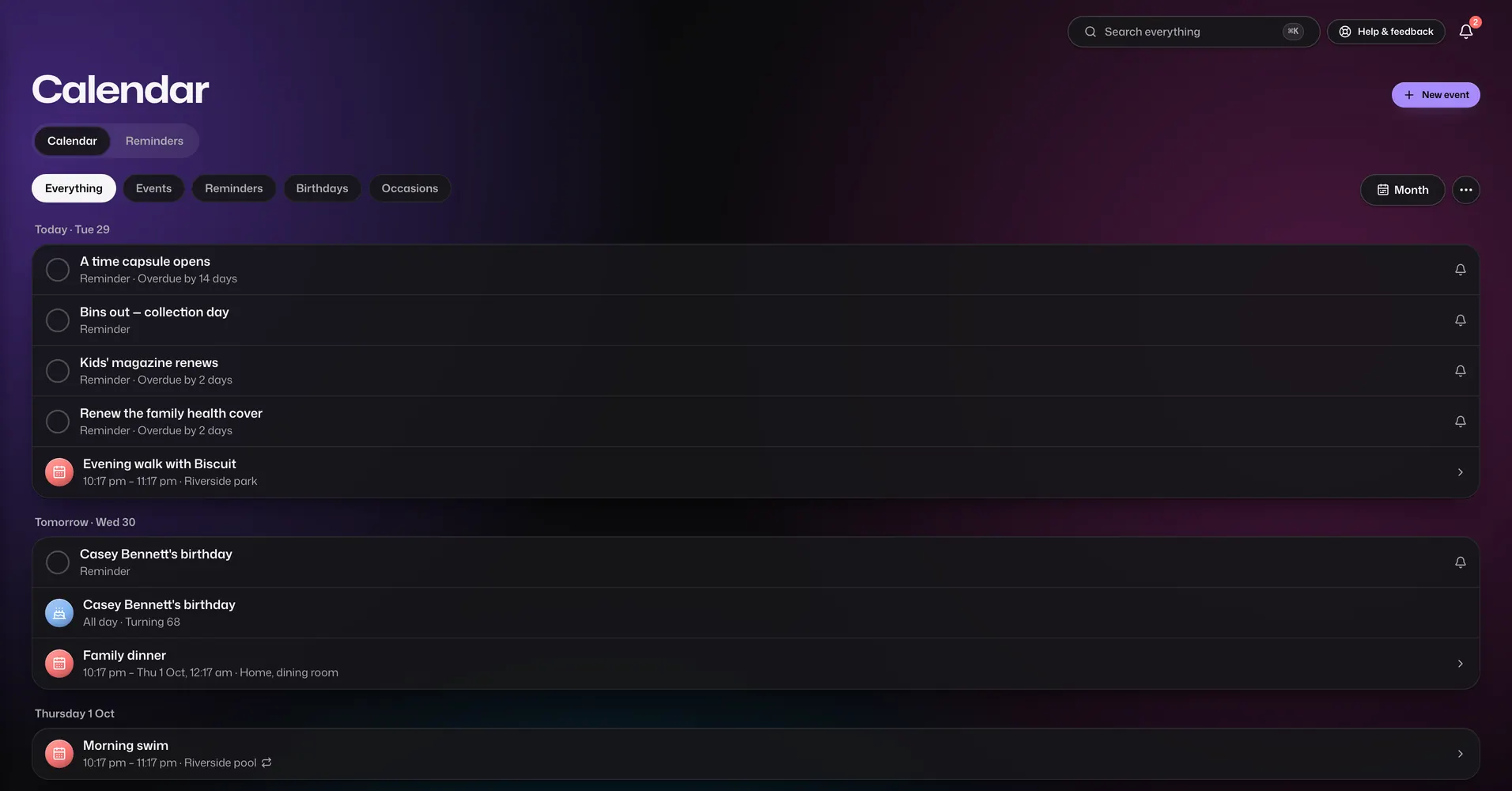
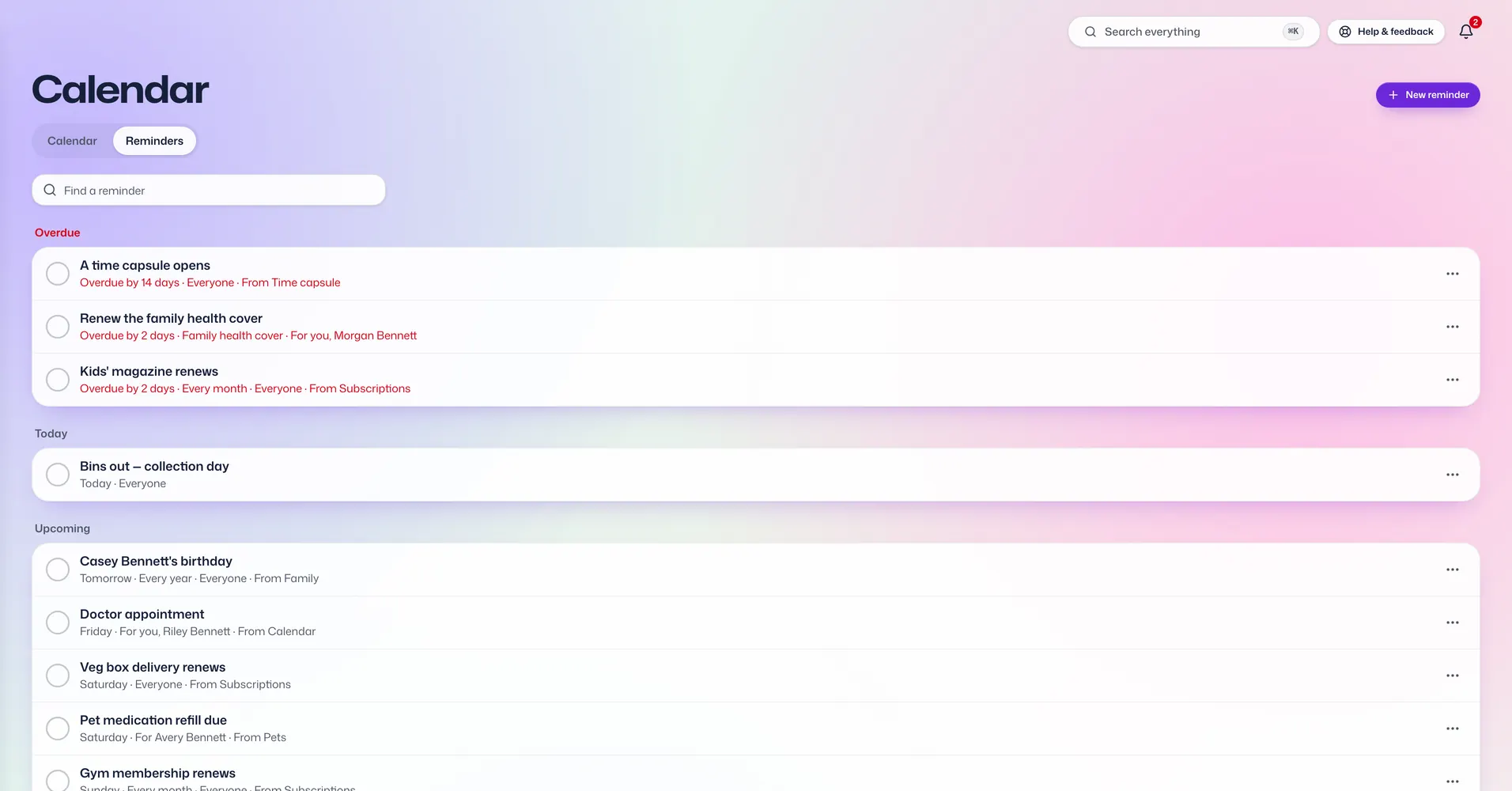
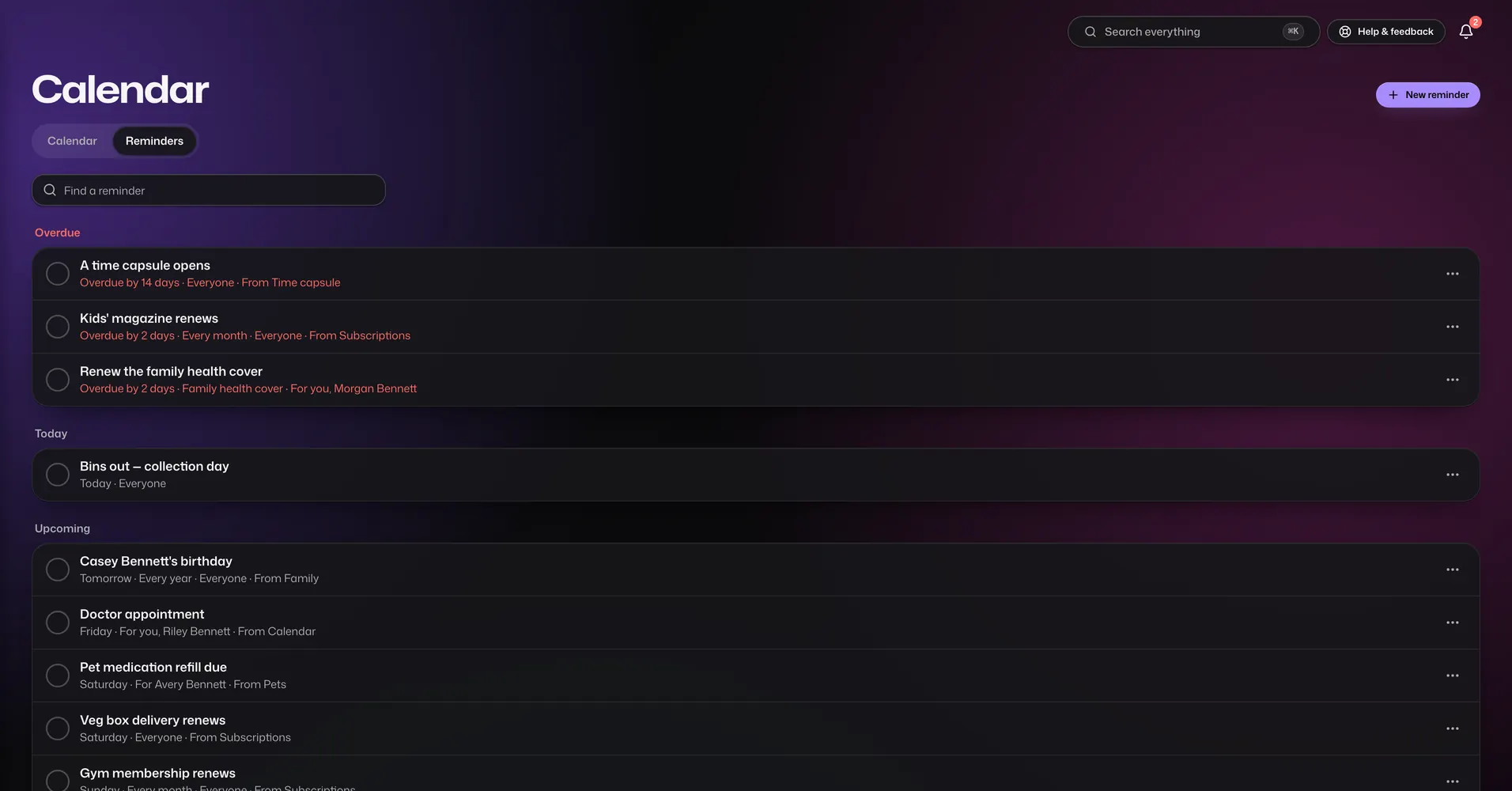
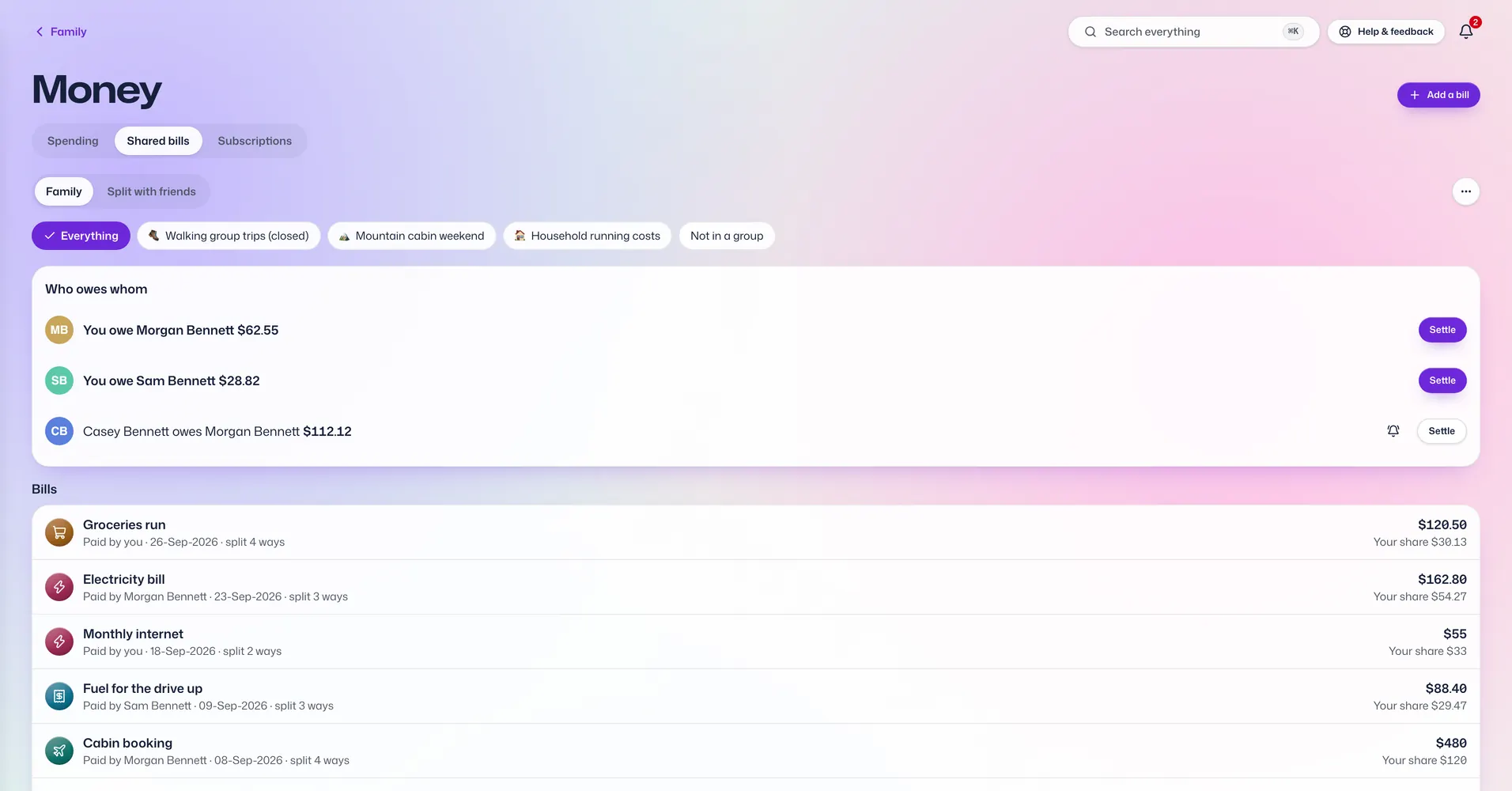
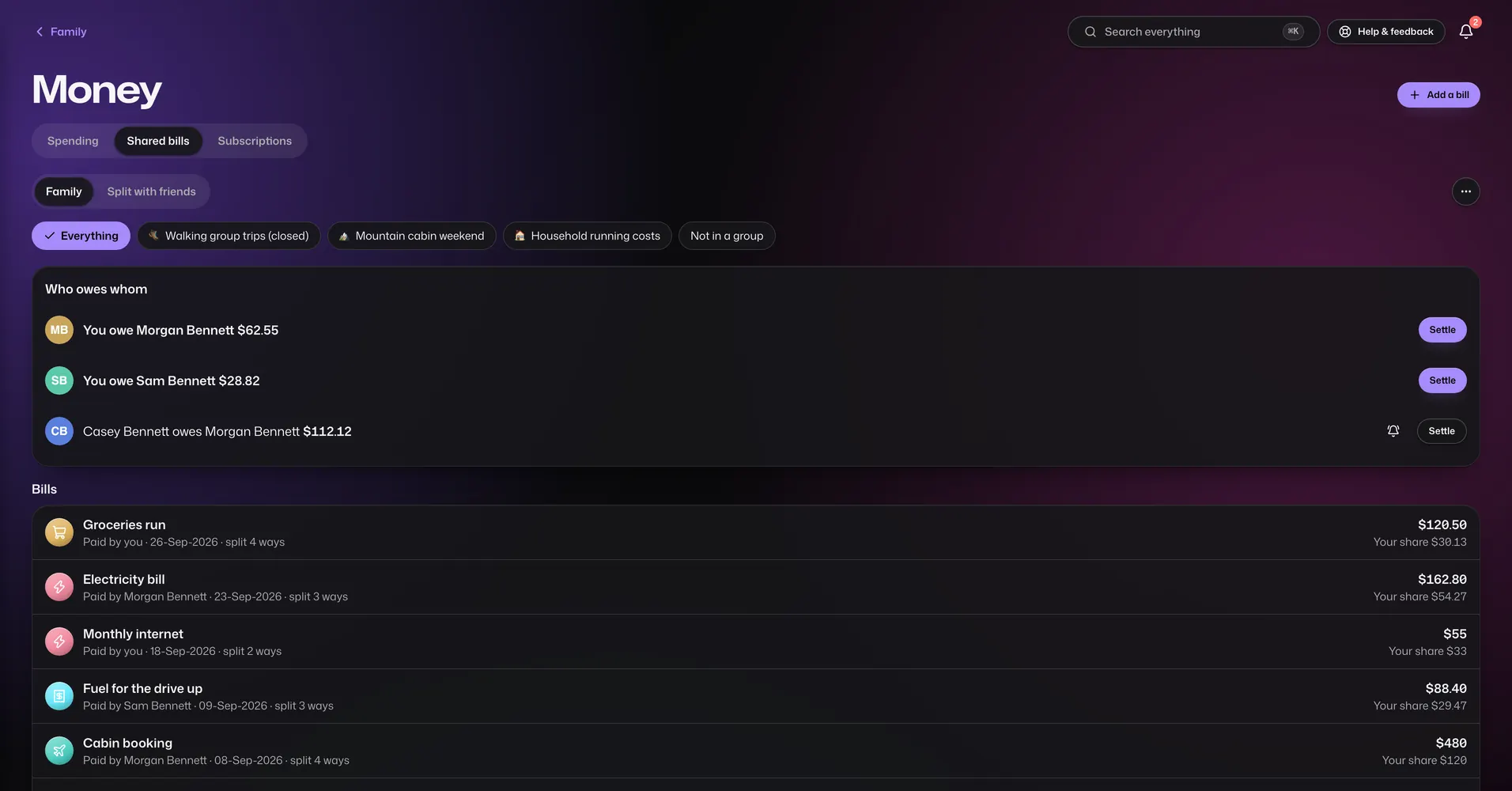
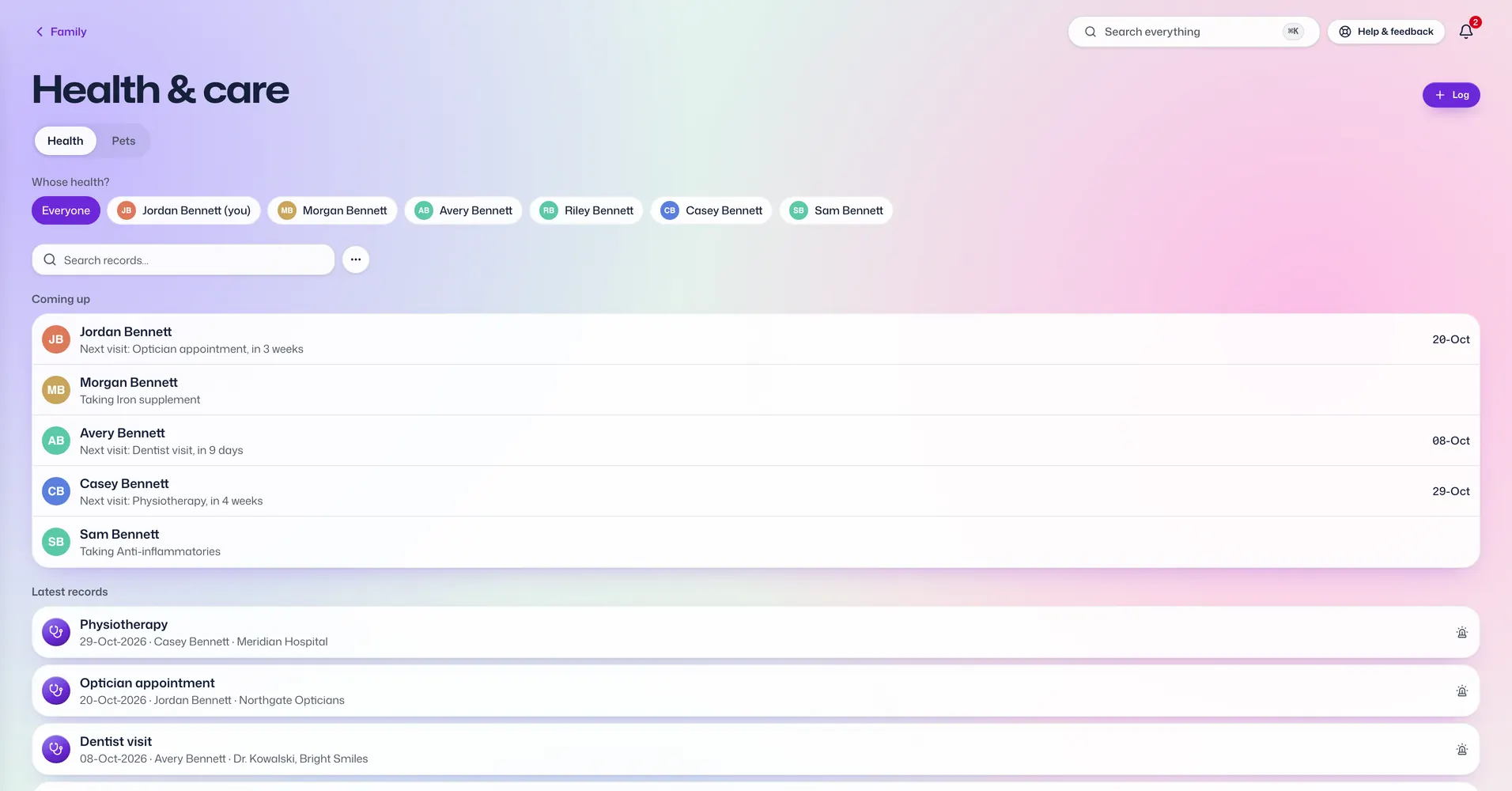
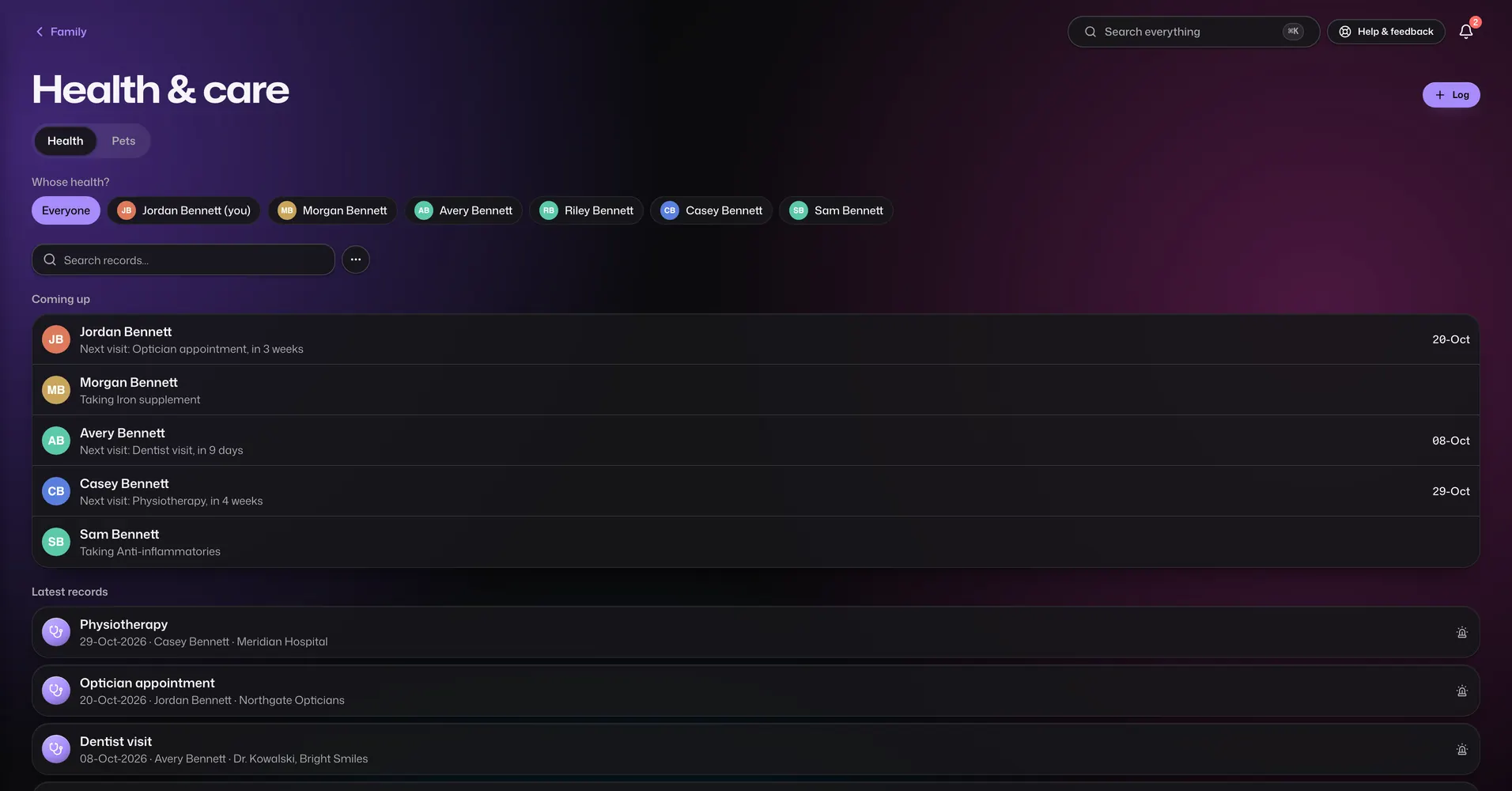
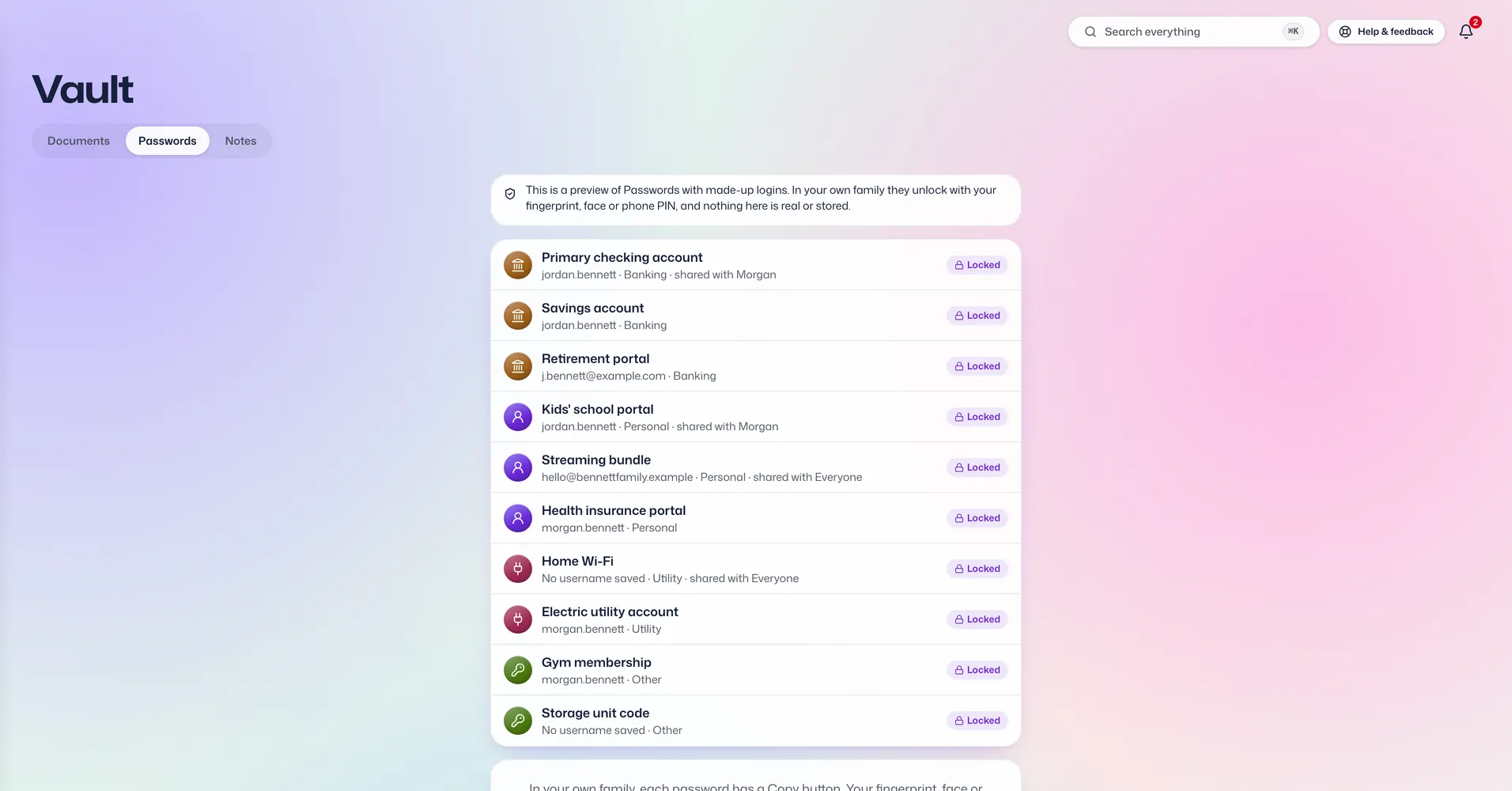
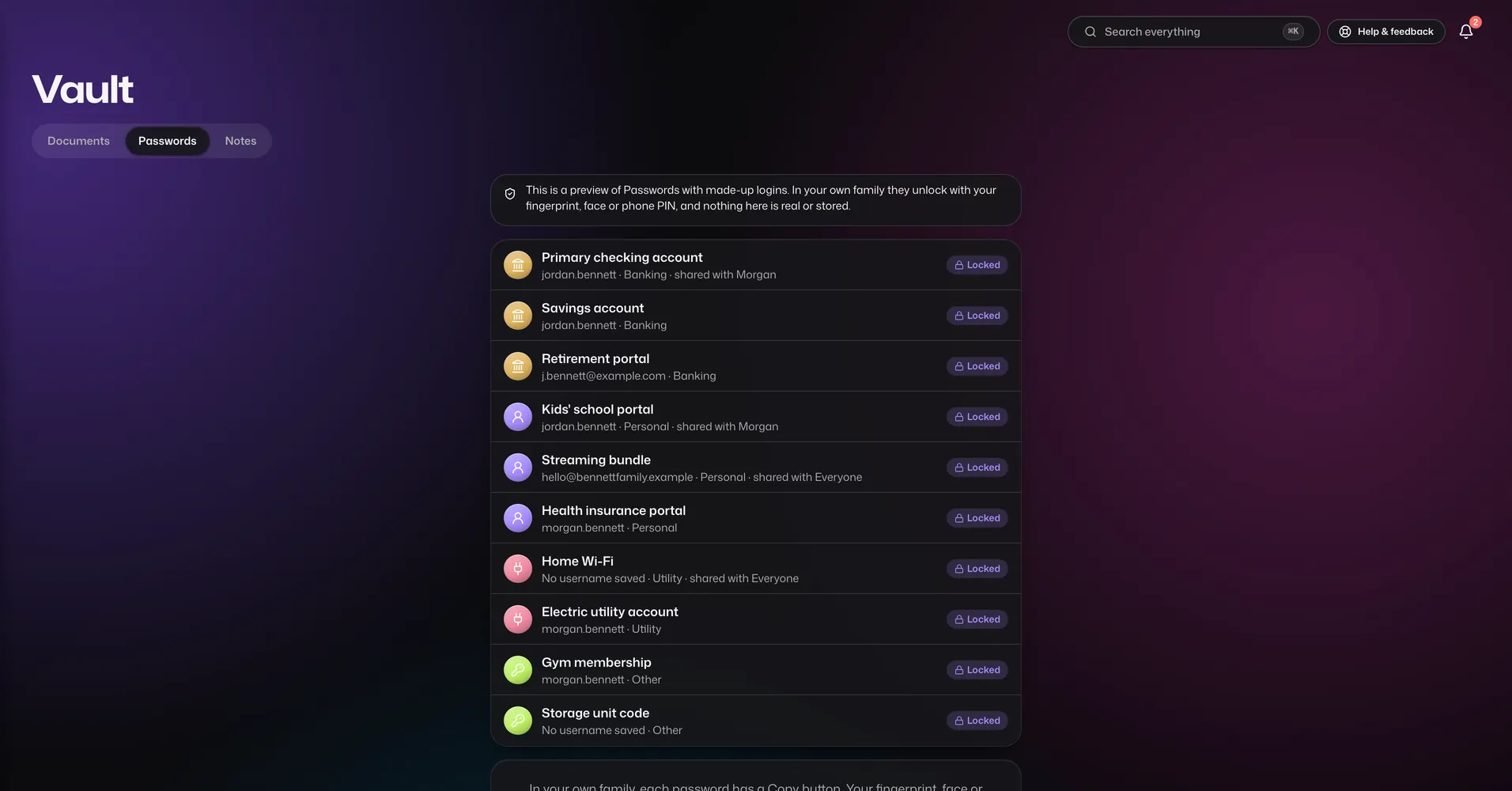
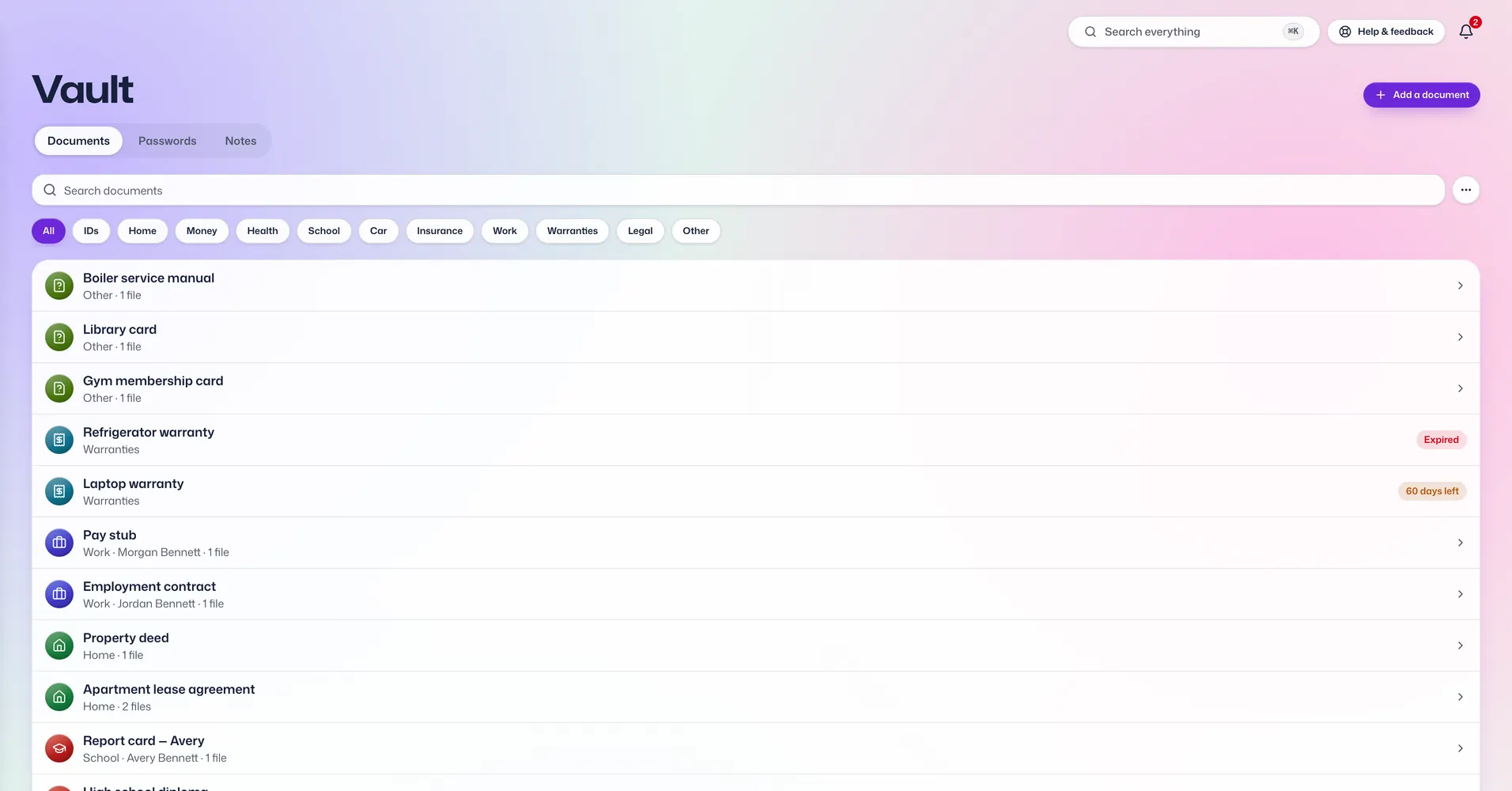
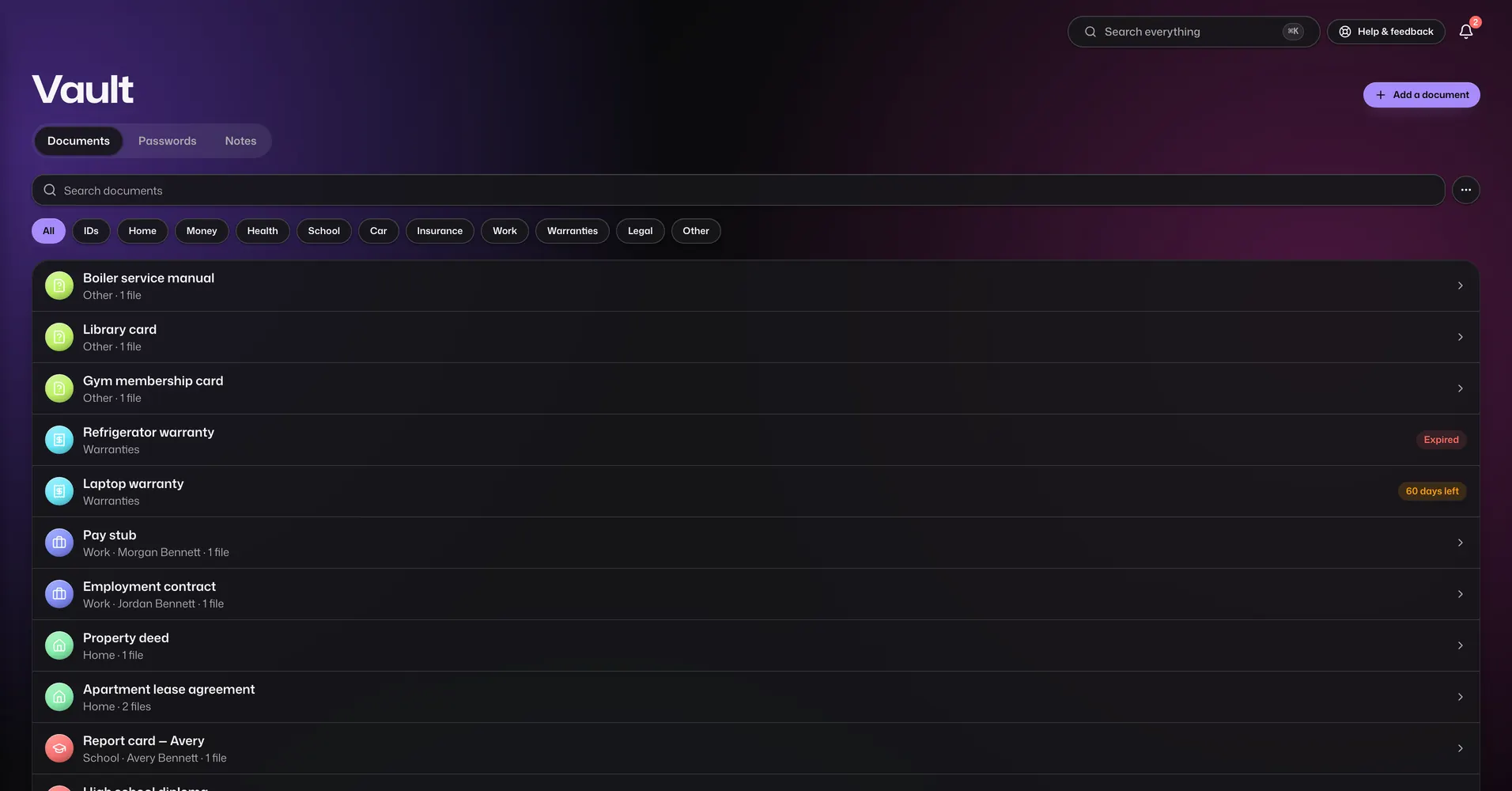
Calendar. The whole family's plans on one calendar, instead of on five different phones.
Reminders on WhatsApp
On the app they already use
Each member adds their own number for reminders and tagged notices.
Only if they choose it
Off until a member adds their number and confirms it with a code.
Nothing locked in the message
A message can carry a reminder's wording or a document or event title. Never anything locked.
Easy for every age
For grandparents
A fingerprint or face signs them in, so there is no password to forget. Easy reading makes text bigger.
For children
Add them with a first name and keep their records for them. Children don't sign in. A login is for adults, 18 and over.
For the organiser
Renewals and appointments remind the right person, so it isn't all left to you.
For a bad day
Everyone can open the emergency cards: blood group, allergies, medicines, who to call.
One price per family
Pearl
a month
- Up to 2 members
- 2.5 GB for files and photos
- Unlimited passwords
- 8 of 18 apps
- Bring your own Google Drive
Sapphire
a month
- Up to 4 members
- 5 GB for files and photos
- Unlimited passwords
- 11 of 18 apps
- Bring your own Google Drive
Diamond
a month
- Up to 8 members
- 10 GB for files and photos
- Unlimited passwords
- All 18 apps
- Bring your own Google Drive
7-day trial: a card is needed, and it is charged on day 8 unless you cancel. Cancel in You → Plan & payments. Monthly and yearly plans only, once per family.
Compare plansQuestions families ask
Can you read what we store?
Not your documents, passwords or notes. They are locked on your own phone or computer before they reach us, and we never have the key. We can read some details so the service works: your plan, how much storage you use, titles, dates and reminders, and the amounts in a group you share with friends. The full list is in our Privacy Policy.
What if I lose my phone?
Sign in on another phone or computer you have added and remove the lost one. If every device is gone, the Recovery Kit you saved gets you back in after a 48-hour safety wait, or straight away if someone in your family approves it.
Is this a password manager?
It keeps your family's bank and website logins, but that is one app out of 18. It also holds documents with their expiry dates, the family calendar, reminders, health records, shared bills and more. It does not fill in passwords for you on other websites, and there is no browser extension.
Can my parents use it on their phone?
Yes. It works in any phone's web browser and can be added to the home screen like an app, and there are apps for iPhone on the App Store and for Android on Google Play. Each person signs in with their fingerprint, face or phone PIN, the same way they unlock their phone, and easy reading mode makes the text bigger.
Can I get reminders on WhatsApp?
Yes. Each person can choose to get reminders and tagged notices as a notification, an email, or a WhatsApp message, or all three. WhatsApp stays off until a member adds their number and confirms it with a code. A message can carry a reminder's wording or a document or event title, which Meta receives, but never anything locked.
Do children need their own login?
No. Children don't sign in, because a login is for adults, 18 and over. You can add anyone with just a first name and keep their documents, health records and emergency card for them. Everyone you add counts towards your plan's member limit.
What happens if we stop paying?
Nothing is deleted straight away. Reading and downloading everything you stored keeps working, new changes pause, and we warn you well before anything is removed. Renewing at any point puts everything back as it was.
Which countries and currencies do you support?
Families pay in rupees, euros, pounds, or US, Australian, Canadian or Singapore dollars. The country you pick at signup sets your currency. Relatives who live in other countries join the same family, up to your plan's number of members.
Do I need a card for the trial?
Yes. At the end of signup you add a payment method on our payment partner's own page. On monthly and yearly plans the 7-day trial costs nothing, though in India Razorpay charges a small amount when you add it, to check it, which is refunded automatically. It is charged on day 8 unless you cancel in You → Plan & payments before then. Two- and three-year plans are paid upfront.